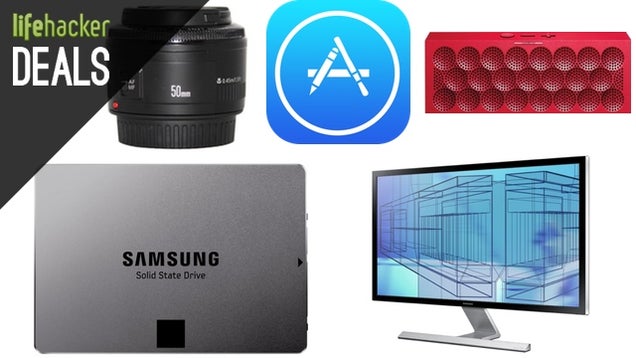
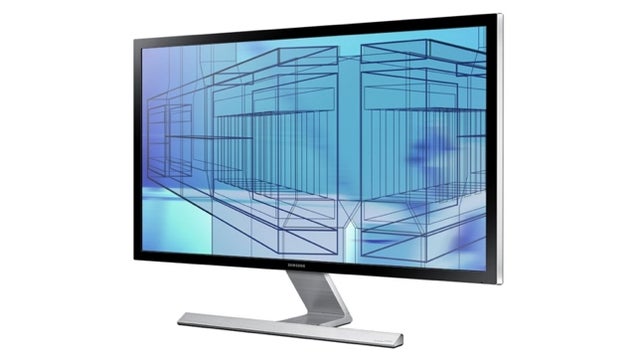
In the past, you might have needed two monitors to have enough computing real estate, but the coming wave of 4K displays promises to change that. Gamers might want to take note as well. Samsung's forthcoming 28" 4K display is listed at $700, which is already a steal, but you can grab yours on Amazon right now for $100 less. It is out of stock, but that price is so good that it's worth locking in and waiting for a new shipment.
Samsung 28" 4K LED Monitor | $600
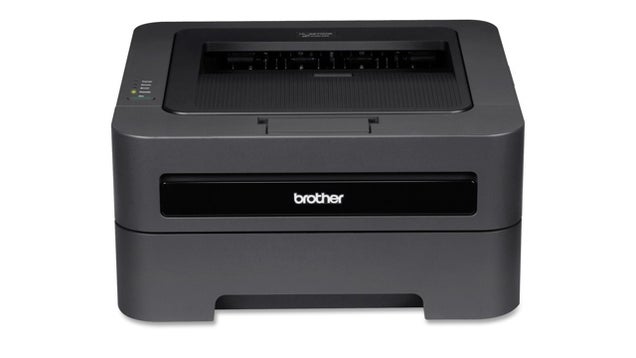
This wireless laser printer from Brother is one of the Wirecutter's favorite cheap printers, and you can take one home for just $60 today, or about $40 less than you'll usually find it.
Refurb Brother EHL-2270DW Mono Laser Printer | $60

If you're like me, your iTunes gift card balance from the holiday season is starting to run dry. Here's a great chance to stock up again.
$100 iTunes Gift Card | $85
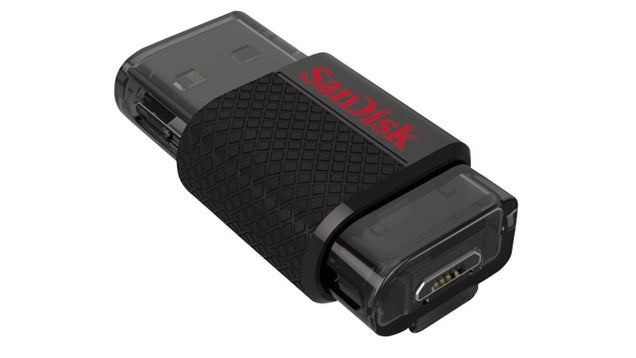
These flash drives will plug into your computer AND your Android device. Not to mention the fact that they just look cool.
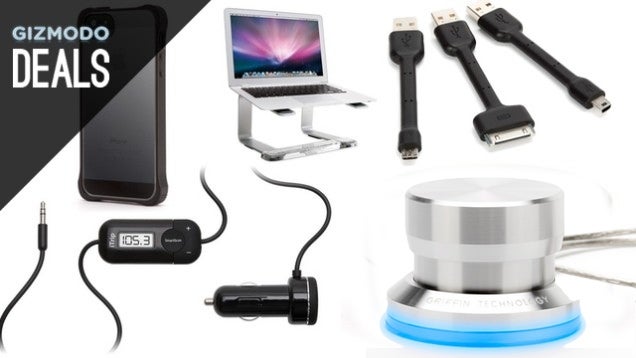
If you own a phone, tablet, or laptop, there's a really good chance that Griffin makes cases and accessories for it. In honor of Mother's Day, they're offering 20% off everything on their site for Mother's day with promo code MOM20.
Pictured Above:
20% Off Sitewide at Griffin | Promo code MOM20
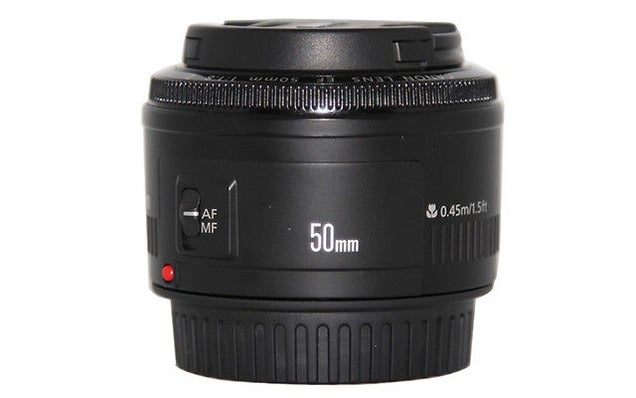
If you or someone you know bought a Canon SLR and is still using the kit lens, stop what you're doing and buy this immediately.
Canon EF 50mm f/1.8 II Autofocus Lens | $105
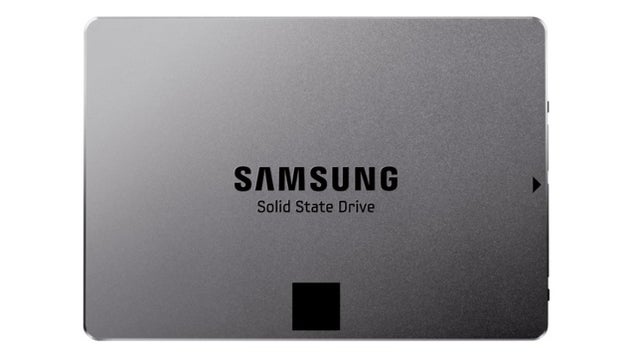
The Samsung 840 EVO is one of the best SSDs around, and $440 for an entire terabyte is awfully tempting. If you have an Amazon Rewards Visa or just some account credit you'd like to spend, they also have it for $10 more.
Samsung 840 EVO 1TB SSD | $440 | Promo Code EXLEMC2267 | $10 more on Amazon
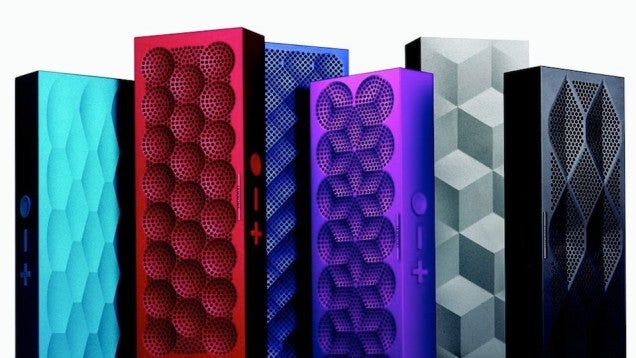
Today's Amazon Gold Box features every color of the delightfully thin MINI JAMBOX for just $107, or more than $40 off the typical asking price.
Jawbone MINI JAMBOX | $107
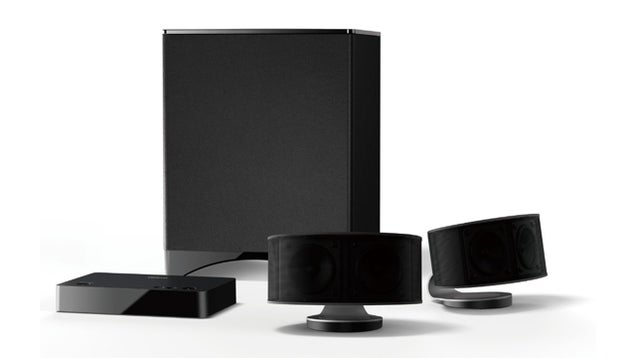
Today's deal on Sellout.Woot has everything you need to set up a basic home theater system. This Onkyo 2.1 channel setup includes an amplifier with Bluetooth, two speakers, and a subwoofer for $185 shipped. If you need some perspective, it currently sells for $400 new on Amazon, with fantastic reviews.
Refurb Onkyo LS3100 2.1 Channel Bluetooth Speaker System | $185

Game of Thrones Season 3 | $35
A Song of Ice and Fire 5 Book Set [Kindle] | $20
Apps
iOS
Android
Windows Phone
Mac
Windows
Phones and Tablets
Computers
Displays
Input
Printers
PC Parts
Storage
Power
Headphones
Home Theater
TVs and Projectors
Sound and Accessories
Home
Fitness
Tools
Photography
Apparel
Books
Movies and TV
Television
Anime
Gaming
Inventory
Follow us for the best deals on the internet, curated for @lifehacker readers.
— Lifehacker Deals (@LifehackerDeals) December 10, 2013
Get in touch with me on Twitter or by emailing shep@gawker.
— Shep McAllister (@shepmcallister) December 10, 2013
This post is brought to you by the Commerce Team, a dedicated group of deal hunters and product enthusiasts. We operate independently of Editorial to bring you the best bargains every day, share our favorite products with you, and ask you about yours. When you buy something we recommend, we may also get a small share of the sale. We welcome your questions and want your feedback.
View the Original article